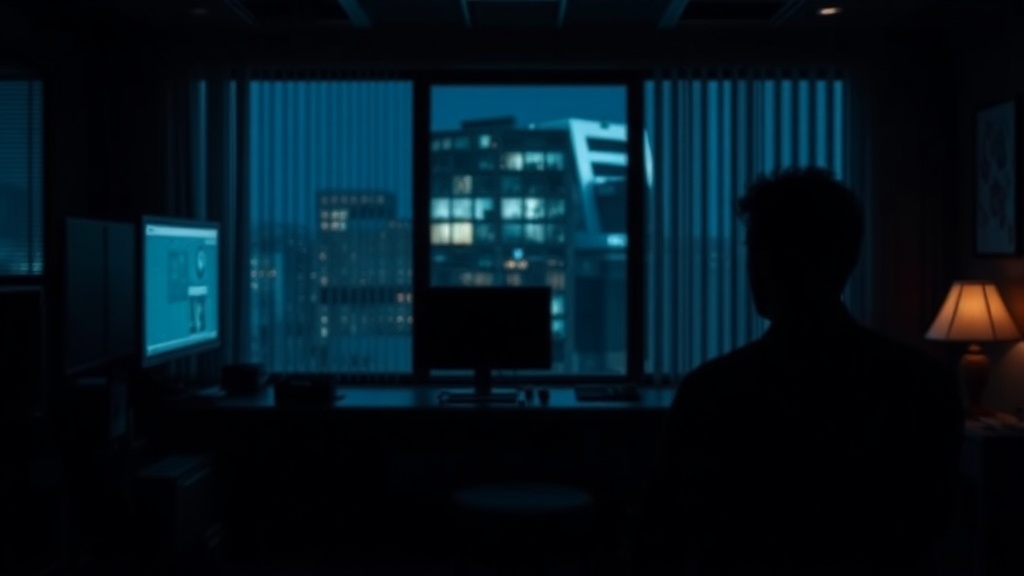
Mastering Dark Mode for Better Eye Comfort

Quick Tip
Use dark mode in low-light environments to significantly reduce blue light exposure and digital eye fatigue.
The Myth of the "Perfect" Dark Mode
I’ve spent enough years staring at logistics manifests under harsh fluorescent lights to know that "comfort" is often a relative term. In the tech world, we treat Dark Mode like a magic wand that cures digital eye strain. But here is the reality: if you set it up incorrectly, you aren't helping your eyes; you're just creating a different kind of fatigue.
The marketing hype suggests that dark backgrounds are inherently better for your vision. While it is true that reducing overall brightness can help in low-light environments, a pure black background with high-contrast white text can actually cause halation—that fuzzy, glowing effect around letters that makes reading a chore. If you want to understand the biological "why" behind this, you should check out our deeper dive into mastering Dark Mode for better eye health.
Three Rules for Practical Implementation
Stop treating your display settings like a binary toggle. To actually improve your workflow and reduce strain, follow these three practical steps:
- Avoid Pure Black (#000000): Instead of absolute black, look for "Dark Grey" or "Deep Navy" themes. This reduces the harsh contrast between the text and the background, which is much easier on the retina during long sessions.
- Adjust Your Ambient Light: Dark mode is a tool, not a solution. If you are working in a bright room with a window behind you, a dark screen will force your eyes to work harder to overcome the glare. Use it primarily when your ambient light is low.
- Match Your Hardware: If you use high-end hardware, like the iPhone 15 Pro, you have much better control over brightness increments. Use these fine-tuned controls rather than just flipping the switch to "Dark."
"The goal isn't to make the screen dark; it's to make the light manageable."
The Bottom Line
Don't let a single setting do all the heavy lifting. If you are looking to optimize your entire workspace, you might also want to look into building a minimalist smart home ecosystem to manage your lighting automatically. A smart bulb that dims as the sun goes down is a much more effective way to protect your eyes than a dark UI alone.
The Verdict: Use dark mode for low-light environments and high-contrast text reduction, but don't expect it to fix a bad ergonomic setup. If you're still feeling the burn, the problem likely isn't your software—it's your environment.