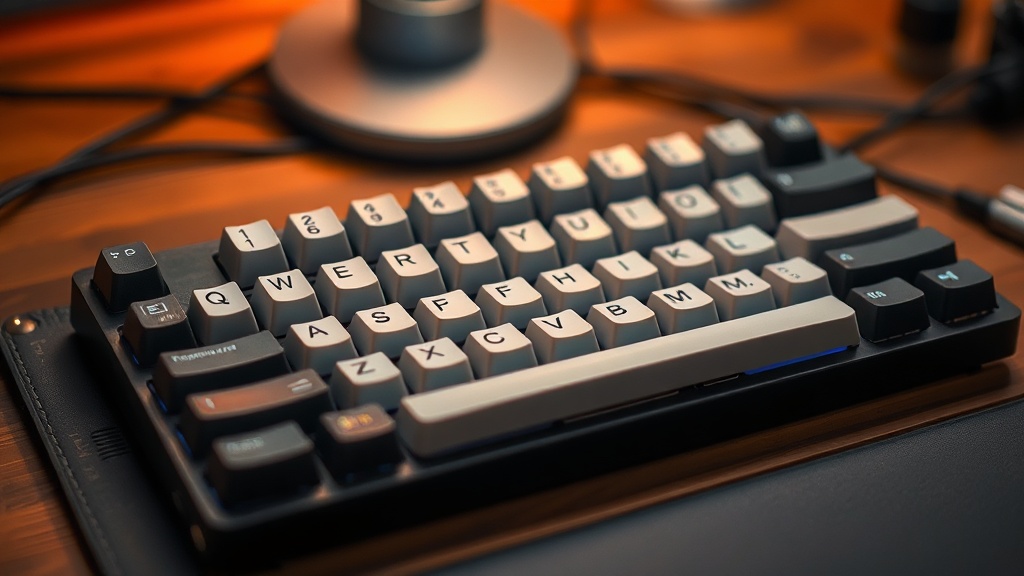
Cleaning Your Mechanical Keyboard Without Damaging the Switches

Quick Tip
Always use compressed air and a soft brush to avoid liquid damage to the internal switch mechanisms.
A spilled cup of coffee or a handful of crumbs shouldn't be the end of a high-end peripheral. If you've ever felt a sticky key mid-meeting, you know the frustration. This post explains how to clean your mechanical keyboard safely without ruining the switches or the PCB.
How Do You Clean a Mechanical Keyboard Safely?
You clean a mechanical keyboard by removing the keycaps and using compressed air or a brush to clear debris before applying minimal moisture to the surfaces. The biggest mistake people make is being too aggressive with liquids.
If you're using a board with hot-swappable switches—like a Keychron Q Series or a Glorious GMMK—you have a bit more breathing room, but you still need to be careful. You don't want liquid seeping into the switch housing itself. That's a one-way ticket to a dead keyboard.
- Unplug the device: Never clean a keyboard while it's connected to a computer.
- Remove keycaps: Use a wire keycap puller to avoid scratching the plastic.
- Clear the debris: Use a can of compressed air to blow out dust and hair.
- Wipe the plate: Use a slightly damp microfiber cloth—not soaking wet—to clean the plate surface.
Can I Use Isopropyl Alcohol on My Switches?
You can use high-percentage isopropyl alcohol (90% or higher) to clean the exterior of a switch, but you should avoid direct contact with the internal components.
The goal is to clean the surface, not to perform surgery. If a single key is sticking, a tiny drop of alcohol on a Q-tip can help, but don't go overboard. Too much liquid can cause a short circuit or corrode the metal contacts. It’s better to be cautious than to have to replace the whole board. If you're worried about longevity, check out our previous post on 7 high-quality mechanical keyboards to see how different builds handle wear and tear.
What Tools Do I Need for Keyboard Maintenance?
The best tools for keyboard maintenance are simple, non-abrasive items that won't damage the delicate electronics or the finish of your keycaps.
| Tool | Purpose | Warning |
|---|---|---|
| Wire Keycap Puller | Removing keycaps safely | Avoid cheap plastic pullers; they snap. |
| Microfiber Cloth | Wiping the plate and case | Never use paper towels (they scratch). |
| 90%+ Isopropyl Alcohol | Removing oils and stains | Don't let it pool inside a switch. |
| Compressed Air | Blasting out dust/crumbs | Keep the can upright to avoid liquid spray. |
A clean keyboard isn't just about aesthetics; it's about maintaining the tactile feel you paid for. Keep the grime at bay and your switches will stay snappy for years.