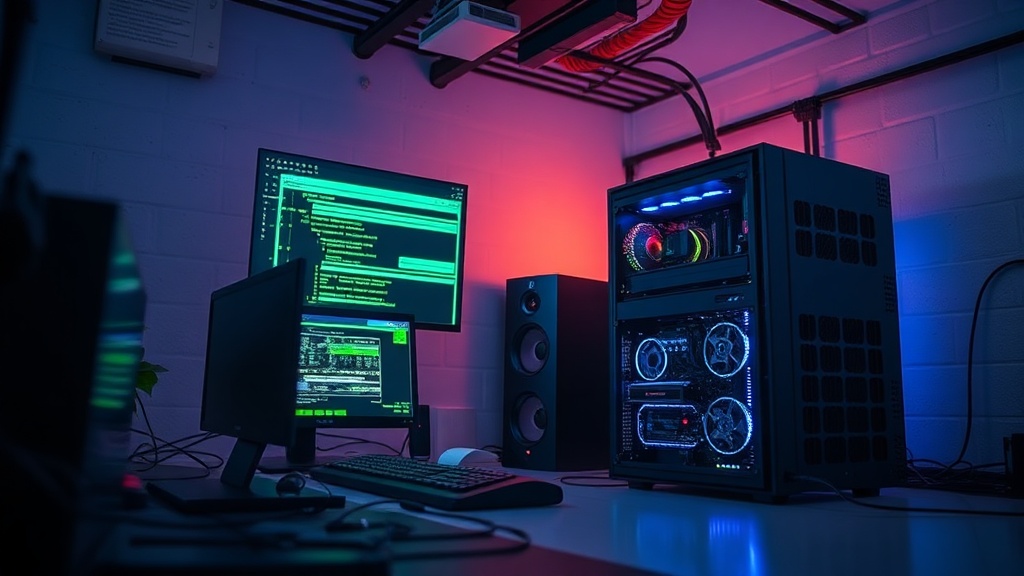
Building a High-Performance Personal Server at Home

Why would you spend your Saturday afternoon building a server when you can just pay a monthly subscription to Google or Dropbox? This guide breaks down the hardware, software, and actual costs of building a high-performance home server to host your own data, media, and smart home-services. We're moving past the marketing fluff to look at what actually happens when you pull the plug on a cloud service and rely on your own hardware.
What Hardware Do I Actually Need?
The hardware you need depends entirely on whether you want to store massive amounts of video files or run complex automation scripts. If you just want a place to keep your family photos and a Plex library, a low-power Network Attached Storage (NAS) device is plenty. But if you're looking to run multiple virtual machines or a private cloud, you'll need something with more teeth.
Don't fall into the trap of buying a high-end gaming PC and calling it a server. A gaming rig is built for bursts of high-intensity processing; a server needs to be stable, quiet, and efficient over long periods. I've seen plenty of guys waste money on flashy RGB lighting and high-end GPUs when all they really needed was a reliable Intel Core i5 and a solid set of hard drives.
Here is a quick breakdown of the three common paths you can take:
| Setup Type | Best For | Typical Hardware |
|---|---|---|
| The Entry-Level NAS | File storage and media streaming | Synology DiskStation or QNAP unit |
| The Refurbished Workstation | Heavy lifting on a budget | Used Dell OptiPlex or HP EliteDesk |
| The Custom Build | Maximum control and scalability | Custom motherboard, Intel Xeon or Ryzen |
If you go the custom route, prioritize your power supply. A cheap, unrated power supply is a ticking time bomb for your data. You want an 80 PLUS Gold certified unit at the very least. It's one of those things people overlook until their hard drives start clicking and dying.
How Much Does a Home Server Cost?
A functional home server setup typically costs between $300 and $1,200 depending on your storage requirements. You can get a basic, single-drive setup for very little, but once you start adding redundancy—which you absolutely should—the price climbs quickly. Redundancy isn't a luxury; it's the whole point of having a server.
Let's look at the real numbers. If you're building a mid-range machine using a used enterprise-grade desktop, you're looking at roughly $400 for the base unit and $200 for a pair of high-capacity drives. That's $600 upfront. Compare that to a $15/month cloud subscription. In two years, the server has paid for itself. That's the math that actually matters.
Don't forget the "hidden" costs:
- Electricity: A server running 24/7 adds up on your utility bill.
- Backup Drives: A single drive is a single point of failure. Always have a second copy.
- UPS (Uninterruptible Power Supply): If your power flickers, your data is at risk. A small UPS is a non-negotiable expense.
I've spent way too much time in warehouses where a single power surge wiped out an entire inventory log. It's a nightmare. If you don't have a UPS, you're basically gambling with your files.
Which Operating System Should I Use?
Your choice of operating system (OS) determines how much time you'll spend troubleshooting versus actually using your server. For most users, a specialized, headless OS is the smartest move. You don't need a desktop interface or a mouse if you're just running background services.
If you want a "set it and forget it" experience, look at TrueNAS. It's designed specifically for data integrity and managing massive storage pools. It's professional-grade software that's accessible to home users. On the other hand, if you're a tinkerer who wants to learn the guts of Linux, a standard Ubuntu Server installation gives you total freedom. It's a steeper learning curve, but you'll own every single layer of the stack.
Here is how I rank the most popular options for a home build:
- TrueNAS: The gold standard for reliability and ZFS file systems.
- Unraid: Excellent if you're mixing and matching different sized hard drives. It's incredibly flexible, though the licensing model can be a bit annoying.
- Ubuntu Server: The best choice for those who want to run Docker containers and learn real-world DevOps skills.
- Proxmox: The go-to if you want to run multiple "virtual" computers on one piece of hardware. It's a powerhouse for virtualization.
The catch? Most of these systems are managed via a command line or a web browser. If you're expecting a Windows-style interface with icons and a start menu, you're going to be disappointed. You'll be typing commands. Get comfortable with it.
If you're already deep into the world of smart home tech, you might want to look at centralizing your device ecosystem using your server as the brain. A server can host things like Home Assistant, which keeps your data inside your own walls rather than sending it to a corporate cloud.
One thing to remember: a server is only as good as its weakest link. You can have the fastest processor in the world, but if you're running it on a slow, aging mechanical hard drive, your experience will be sluggish. I've seen it a hundred times in logistics—the bottleneck is rarely the engine; it's the throughput of the system. In a server, that's your disk speed and your network connection.
If you're worried about the noise, keep your server in a different room or a basement. Even a "quiet" server has a constant hum that will drive you crazy after three days of sitting in a home office. I'd rather have a slightly louder fan than a constant, high-pitched whine from a cheap cooling system.
Building a server isn't about having the fastest machine. It's about having the most reliable one. If you can't trust the data, the hardware is just an expensive space heater. Take your time with the configuration, don't skimp on the power supply, and for heaven's sake, buy a backup drive.