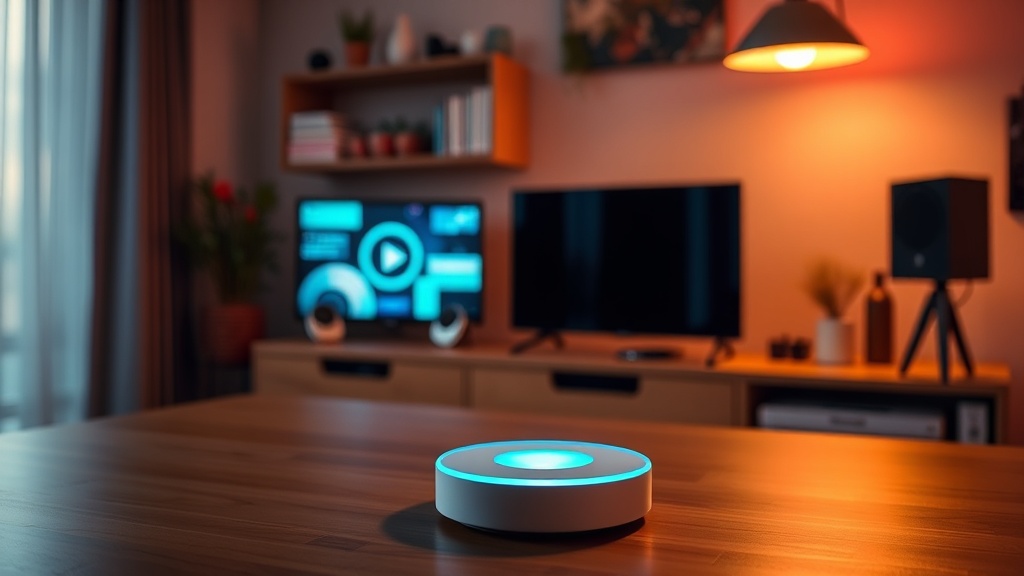
6 Smart Home Hubs to Centralize Your Device Ecosystem

The Versatile Ecosystem Leader
The Privacy-First Local Controller
The Budget-Friendly Starter Hub
The Advanced Pro-User Platform
The Minimalist Single-Brand Hub
The Voice-First Integration Center
Most people think buying a smart hub is about adding more features to a house, but it's actually about reducing the number of apps on your phone. If you've ever spent ten minutes trying to figure out why a single lightbulb isn't responding to a voice command, you've felt the friction of a fragmented system. This post looks at six specific smart home hubs that act as the central nervous system for your gadgets, filtering through the marketing fluff to tell you which ones actually keep your devices talking to each other without constant manual intervention.
Why Do You Need a Smart Home Hub?
A smart home hub acts as a centralized translator that allows devices using different wireless protocols—like Zigbee, Z-Wave, or Matter—to communicate under one roof. Without a hub, you're often stuck in "app silos" where your smart blinds live in one app and your smart lights live in another. A dedicated hub pulls these disparate signals into a single interface.
Think of it like a warehouse management system. You can have the best forklifts and the best shelving units in the world, but if the data isn't talking to the central database, your inventory is useless. The same logic applies here. You need a central point of truth for your automation. If you don't have a central brain, you don't have a smart home; you just have a collection of expensive, disconnected gadgets.
For those starting from scratch, it helps to understand how smart home protocols work to avoid buying hardware that won't talk to your existing setup. It's a common mistake to buy a device that only works via Wi-Fi when your network is already crowded.
Which Smart Home Hub Is Best for Beginners?
The Amazon Echo (4th Gen) is the best entry-level option because it combines a voice assistant with a built-in smart home hub (Zigbee and Matter support) in one device. It’s the "plug-and-play" choice for people who don't want to learn how to code or configure complex networks.
It's a solid piece of hardware. It works well if you're already deep in the Amazon ecosystem. However, it's not a professional-grade tool. It's a consumer-grade device designed for convenience, not granular control. If you want to set up a complex logic-based automation (e.g., "If the temperature drops below 65 and the sun sets, turn on the heater"), you might find the Alexa app a bit limiting.
Pros:
- Extremely easy setup.
- Built-in Zigbee support handles many sensors and bulbs.
- Voice control is seamless.
- Limited advanced automation logic.
- Relies heavily on Amazon's cloud (if the internet goes down, your "smart" house gets much dumber).
What Is the Best Hub for Advanced Users?
The Homey Pro is the top choice for power users who want local control and high-level customization without writing raw code. It supports almost every major protocol—Zigbee, Z-Wave, Matter, Thread, and even Infrared—making it the most versatile option on this list.
I've spent enough time in logistics to appreciate a system that doesn't rely on a single point of failure. The Homey Pro excels because it processes much of its logic locally. This means your automations can still run even if your external internet connection hiccups. It's a much more resilient way to run a household.
If you're looking to dive deeper into how these systems integrate, check out this guide on mastering home automation setup. It covers the foundational logic you'll need before buying a high-end hub like this.
The Hardware Breakdown:
| Hub Model | Primary Strength | Complexity Level | Protocol Support |
|---|---|---|---|
| Amazon Echo | Ease of Use | Low | Wi-Fi, Zigbee, Matter |
| Google Nest Hub | Google Ecosystem | Low | Wi-Fi, Matter, Thread |
| Homey Pro | Versatility | High | Zigbee, Z-Wave, Matter, IR |
| Aeotec SmartThings | Device Compatibility | Medium | Zigbee, Z-Wave, Matter |
How Much Does a Smart Home Hub Cost?
Smart home hubs typically range from $50 to $400 depending on their processing power and the number of radio protocols they support. You can find basic bridges for a few bucks, but a central "brain" that manages an entire house is a different investment entirely.
Don't fall into the trap of buying a bunch of cheap, single-purpose bridges. I've seen people buy a Philips Hue bridge, a Lutron bridge, and a specialized sensor hub, only to realize they've spent more than they would have on a single, high-quality central hub. It's a classic case of "death by a thousand cuts" for your wallet.
The Contenders:
- Samsung SmartThings Station / Aeotec: This is the middle ground. It’s reliable and has a massive community behind it. If you want a system that "just works" but still offers decent automation, this is it. It handles Z-Wave and Zigbee well, which is vital for sensors.
- Google Nest Hub (2nd Gen): This is more of a smart display than a pure hub, but it serves as a great visual command center. It's great for people who want to see their doorbell camera feed or control the thermostat via a screen. It's a consumer product through and through.
- Hubitat Elevation C-8: This is a "local-first" hub. It’s built for the person who is tired of the cloud. If your internet goes down, your lights still turn on because the logic lives on the box in your living room, not on a server in Virginia. It's a bit technical, but it's incredibly stable once configured.
- Apple HomePod / Apple TV: If you are an iPhone user, you're likely already using an Apple hub. The Apple TV 4K is actually a very capable Matter and Thread border router. It's the most seamless option if you refuse to use anything that isn't compatible with Apple HomeKit.
Is a Dedicated Hub Better Than a Smart Speaker?
A dedicated hub is generally better than a smart speaker because it prioritizes device communication over voice interaction and media playback. A smart speaker is a consumer gadget; a hub is an infrastructure component.
The difference is subtle until something goes wrong. When you use a smart speaker as your primary hub, you're often at the mercy of the manufacturer's cloud updates. If they decide to change a feature or if their servers lag, your "smart" house becomes unresponsive. A dedicated hub—especially one like the Hubitat or Homey Pro—is built to handle the heavy lifting of constant device polling and state changes without breaking a sweat.
If you're building a system that you want to last more than two years, buy the hardware that is designed to manage a network, not the hardware designed to play music and tell you the weather. It's the difference between a desktop computer and a specialized server. One is for entertainment; the other is for work. Your home's automation should be treated like work—it needs to be reliable, predictable, and local.
One thing to watch out for is the "Matter" standard. It's the new way devices talk to each other, and while it's promising, it's still a bit of a moving target. Make sure whatever hub you buy is explicitly compatible with Matter so your investment doesn't become obsolete by next season.