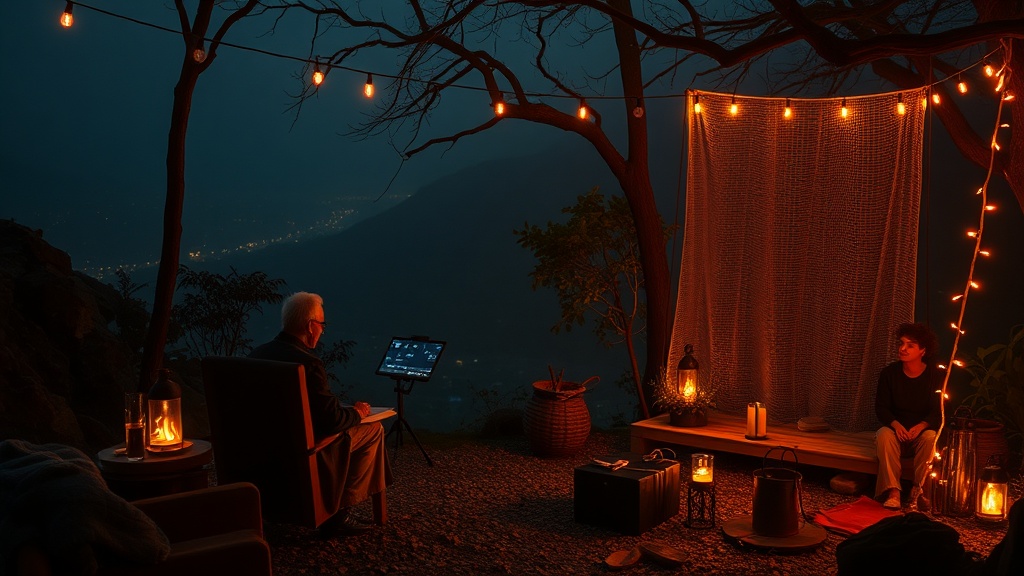
The Silicon Sabbatical: Designing a Low-Tech Sanctuary in a High-Tech World

A single notification chime from a smartphone on a bedside table can spike cortisol levels before the eyes even open. It is a documented physiological response: the brain perceives the ping not as a message, but as a demand for immediate cognitive reallocation. In a modern home, the "smart" ecosystem often functions as a distributed network of interruptions, where a Nest thermostat, a Ring doorbell, and a pulsing Apple Watch work in concert to ensure the user is never truly offline. The problem isn't the technology itself; it is the lack of intentional boundaries between the digital layer and the physical environment.
Designing a low-tech sanctuary is not an act of Luddite regression. It is a strategic architectural decision. It involves the deliberate selection of hardware and software that serves a specific, non-intrusive purpose, rather than technology that competes for your attention. To build a functional sanctuary, one must approach the home with the same rigor a logistics manager uses to optimize a warehouse: identifying bottlenecks, removing friction, and ensuring that every tool in the stack justifies its existence through utility rather than novelty.
The Hardware Audit: Pruning the Connectivity Tree
The first step in creating a low-tech sanctuary is the physical audit of your environment. Most households suffer from "feature creep," where devices designed for convenience become vectors for distraction. A smart speaker in the kitchen might be useful for setting a timer, but if it is also capable of playing news briefings or streaming podcasts, it becomes a gateway to mindless consumption.
To reclaim your space, implement the following hardware protocols:
- The Single-Purpose Rule: If a device has multiple "engagement" features, strip them back. Use a dedicated E-Ink device like a reMarkable 2 or a Kindle Paperwhite for reading and note-taking. These devices lack the high-refresh-rate screens and notification engines of an iPad, effectively decoupling the act of deep reading from the impulse to check email.
- Analog Redundancy: Replace digital interruptions with tactile ones. Use a mechanical kitchen timer instead of a smartphone timer. Use a dedicated alarm clock—specifically one without a Wi-Fi connection, such as a Sony ICF-C30 radio clock—to keep the smartphone out of the bedroom entirely. This removes the primary source of sleep-disrupting blue light and constant connectivity.
- Peripheral Isolation: If you use a computer for work, utilize a dedicated workstation that is physically separated from your relaxation areas. When the work session ends, the hardware is powered down. This creates a psychological "hard stop" that a laptop sitting on a coffee table cannot achieve.
By moving from multi-purpose, high-engagement devices to single-purpose, low-engagement tools, you reduce the cognitive load required to manage your environment. You are no longer fighting the device to stay focused; the device is inherently designed to stay out of your way.
The Software Layer: Implementing Digital Guardrails
Even with the best hardware, the software remains the most aggressive intruder. Modern operating systems are engineered to maximize "time on device." To counter this, you must implement a layer of digital defense that mimics the isolation of a closed-circuit system. This is where many people fail; they try to use willpower to resist a notification, which is a finite resource. Instead, you must use automation to make the distraction impossible.
Consider these specific implementation techniques:
- Aggressive Notification Filtering: Most users have far too many "push" permissions enabled. Go into your settings and audit every application. If a notification is not a direct human-to-human communication (like a text or a phone call), it should be silenced. Apps like Instagram, LinkedIn, or even news outlets should never be allowed to "push" content to you; you must go to them when you choose to engage.
- Browser-Level Friction: For those who work in a browser, the temptation to drift toward news or social media is constant. Use tools like Freedom.to or Cold Turkey to create scheduled blocks where certain domains are completely inaccessible. If you need to optimize your digital focus using browser extensions, look for those that do more than just block sites—look for those that can lock you out of your entire system during deep-work windows.
- The "Dumb" Phone Transition: If your smartphone is a constant drain, consider the "minimalist phone" movement. This isn't about buying a flip phone, but about using software to turn your smartphone into a utility. Use a launcher like Minimalist Phone (Android) or Blank Launcher to strip your interface down to text-only lists. This removes the dopamine-driven pull of colorful app icons.
Architecting the Physical Sanctuary: Zonal Management
In logistics, "zoning" is used to prevent cross-contamination between different types of inventory. The same logic applies to your living space. A home should be divided into zones of connectivity. A "High-Tech Zone" (the office or the desk) and a "Low-Tech Zone" (the bedroom, the dining table, the reading nook).
To establish these zones effectively, you must define the rules of engagement for each. In the High-Tech Zone, connectivity is the priority. In the Low-Tech Zone, connectivity is a violation of the space's integrity.
The Bedroom: The Zero-Signal Zone
The bedroom is the most critical zone for recovery. To ensure it remains a sanctuary, implement a Zero-Signal Policy. This means no smartphones, no tablets, and no smartwatches that pulse with notifications. If you require a smart home for safety or lighting, use a system that operates on a local protocol like Zigbee or Z-Wave rather than Wi-Fi. These systems are more stable and less likely to require constant "checking" via a cloud-based app. If you are interested in how to build a more robust, controlled environment, you might look into mastering the smart home to ensure your devices serve you without demanding your attention.
The Dining Area: The Analog Table
The dining table should be a strictly analog space. This is a non-negotiable boundary. The presence of a smartphone on a dining table—even if it is face down—creates a "phantom vibration" effect for everyone at the table. It signals that the person is potentially available to the digital world, even while physically present. Implement a "phone basket" at the entryway of the dining area to physically sequester devices before the meal begins.
The "So What?" of the Silicon Sabbatical
The skepticism often leveled against these methods is that they are "unproductive" or "outdated." In a world that prizes constant connectivity, choosing to be offline feels like a competitive disadvantage. However, this is a fundamental misunderstanding of human performance. High-level cognitive tasks—deep work, strategic thinking, and creative problem-solving—require long periods of uninterrupted focus. You cannot achieve a "flow state" if you are being interrupted by a smart fridge update or a Slack notification.
The goal of a low-tech sanctuary is not to live in the past, but to protect your future capacity for deep thought. By treating your digital environment with the same scrutiny a professional applies to a supply chain, you move from being a passive consumer of technology to an active architect of your own attention. The technology should be a tool in your kit, not the master of your house. If a piece of tech does not directly contribute to a measurable outcome or a necessary utility, it is simply noise. And in a high-tech world, the most valuable thing you can own is the ability to turn the noise off.