
The One Upgrade That Actually Makes Your Tech Stack Faster (Hint: It’s Not Your Laptop)

Quick Tip
Upgrade your network infrastructure before replacing your laptop—most performance issues come from unstable connectivity, not weak hardware.
Let’s pull the thread on a familiar problem.
You feel like your setup is slow. Apps lag. Video calls stutter. Files take just long enough to be annoying. So you do what the industry nudges you toward—you start pricing a new laptop.
The reality? In most cases, your laptop isn’t the bottleneck. Your network is.

The Misdiagnosis Problem
Most people diagnose performance issues at the device level because that’s what’s visible. The screen freezes, so the laptop gets blamed. But under the hood, modern devices are rarely the limiting factor for everyday work.
Email, cloud docs, Slack, Zoom—these are all network-dependent workflows. If your connection is inconsistent, everything upstream inherits that instability.
It’s like blaming a forklift for delays when the loading dock door is jammed. The machine is fine. The throughput isn’t.
The One Upgrade: Fix Your Network Plumbing
Here’s the tip—the only one that matters in this post:
Upgrade your network infrastructure before you upgrade your devices.
That means:
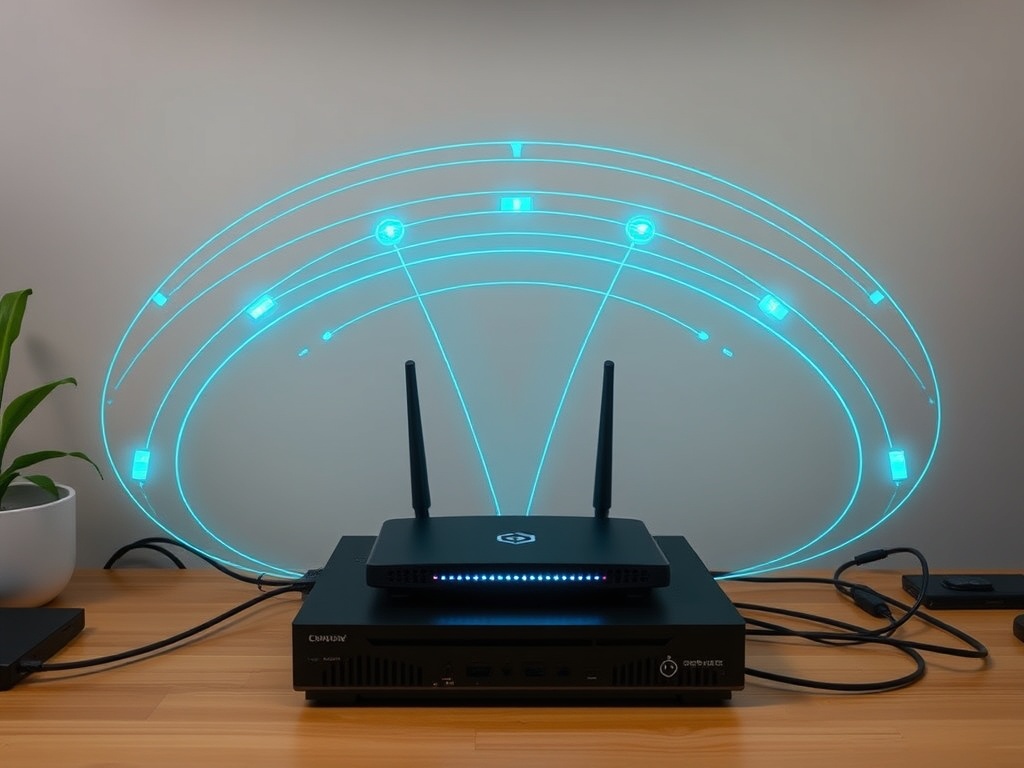
- A modern router (Wi-Fi 6 or better)
- Proper placement (not shoved behind a TV like an afterthought)
- Mesh nodes if you have dead zones
- Wired Ethernet for fixed workstations
Why This Works (The Plumbing View)
Let’s strip away the marketing and look at the system.
Your workflow is a pipeline:
- Input (you)
- Device (laptop/phone)
- Network (Wi-Fi/router/ISP)
- Cloud service
If the network layer is unstable, everything above it suffers. It doesn’t matter how fast your CPU is if packets are dropping or queuing.
This is basic throughput math—your system is only as fast as its slowest consistent link.
Common Failure Points (That Nobody Talks About)
Here’s where most setups quietly fail:
- Router placement: Corners, basements, behind metal objects—signal gets absorbed or scattered.
- Device congestion: 20+ devices competing on outdated hardware.
- ISP router combos: Cheap, locked-down boxes optimized for cost, not performance.
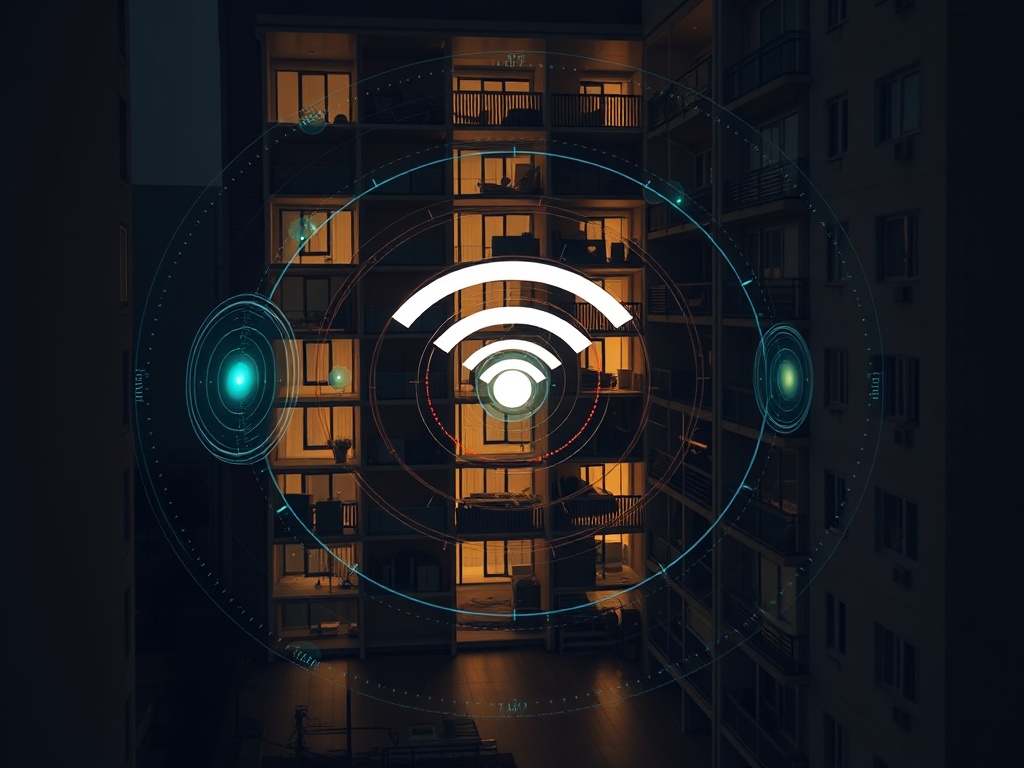
- Interference: Neighboring networks, especially in apartments.
The marketing pitch won’t tell you this because there’s no margin in telling people to move their router six feet higher.
The “So What?” for Your Monday Morning
If you’re a mid-career professional working hybrid or remote, this matters more than most gadget upgrades.
Here’s what improves immediately when your network stabilizes:
- Video calls stop freezing mid-sentence
- Cloud apps feel local
- File sync becomes predictable instead of random
- Fewer “restart your laptop” troubleshooting cycles
That’s not flashy. But it’s the difference between friction and flow across an entire workday.
Cost vs. Return (Follow the Incentive)
A solid network upgrade might cost $150–$400.
A new laptop? $1,200+.
Follow the incentive structure—hardware manufacturers benefit when you misdiagnose the problem. Networking gear doesn’t get the same marketing push because it’s less visible and replaced less often.
But in terms of actual productivity per dollar, the network wins almost every time.

Quick Implementation Plan (No Drama)
- Step 1: Move your router to a central, elevated position.
- Step 2: Replace ISP hardware with a quality router.
- Step 3: Add a mesh node if you have dead zones.
- Step 4: Run Ethernet to your primary workstation if possible.
No apps. No subscriptions. No hype cycle. Just better plumbing.
Where This Tip Breaks
Let’s be honest—this isn’t universal.
If you’re doing heavy local workloads (video editing, 3D rendering), your hardware matters. But for 80% of knowledge work, the bottleneck is network consistency, not compute power.
Impact Scorecard
- Accessibility: 9/10 — Anyone can reposition a router or swap hardware
- Utility: 10/10 — Immediate, system-wide improvement
- Longevity: 8/10 — Good networking gear lasts years
Final Thought
Most people upgrade the visible layer—the laptop, the phone, the shiny object. But performance lives in the invisible layer.
Fix the pipes before you replace the faucet.