
How to Actually Set Up a Practical AI Workflow (Without Burning Time or Budget)

Most "AI workflow" advice reads like it was written by someone who has never had to hit a deadline with bad Wi-Fi and a boss asking for numbers by 9 AM.
So let’s pull the thread on this.
The reality? Most AI setups fail for the same reason warehouse automation projects fail: nobody checks the plumbing. Tools get stacked. Costs creep. Nobody defines what "done" looks like.
This is a step-by-step guide to building something that actually works on a Tuesday morning—not a demo environment, not a conference slide.

Step 1: Define the Job (Not the Tool)
Before you touch a single AI tool, define the job like you’re writing a work order.
- What input are you starting with?
- What output do you actually need?
- What’s the acceptable quality threshold?
Example: "Turn raw meeting notes into a 5-bullet executive summary in under 3 minutes."
That’s a job. "Use AI to improve productivity" is not.
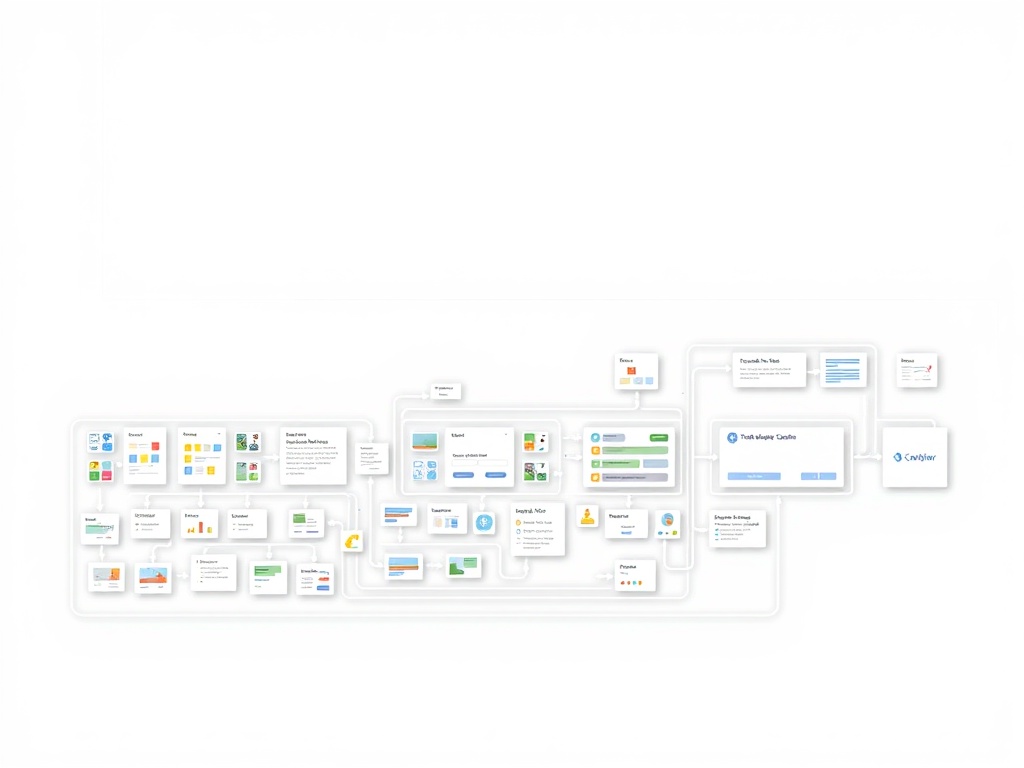
Step 2: Map the Workflow Like a Supply Chain
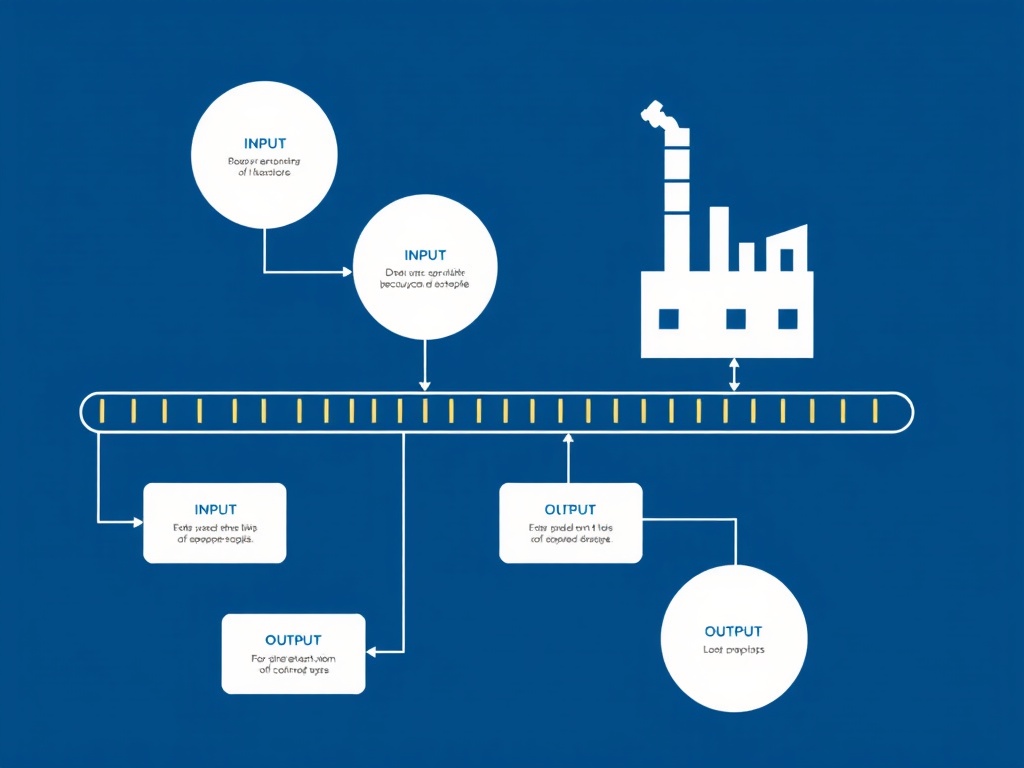
Think of your workflow like a loading dock. Every step is a handoff.
- Input comes in (notes, data, emails)
- Processing step (AI summarization, classification)
- Human check (optional but recommended)
- Output delivered
Where do things pile up? That’s your bottleneck.
Most people skip this and end up blaming the AI when the real problem is a broken handoff between steps.
Step 3: Start With One Tool, Not Five
The fastest way to kill a workflow is tool sprawl.
Start with one reliable system—whether that’s a single LLM interface or a basic automation platform.
Why? Because every additional tool adds:
- Failure points
- Latency
- Integration overhead
In logistics, we call this "touches." More touches = more chances for something to go wrong.

Step 4: Build a Repeatable Prompt Structure
Forget clever prompts. You want boring, repeatable ones.
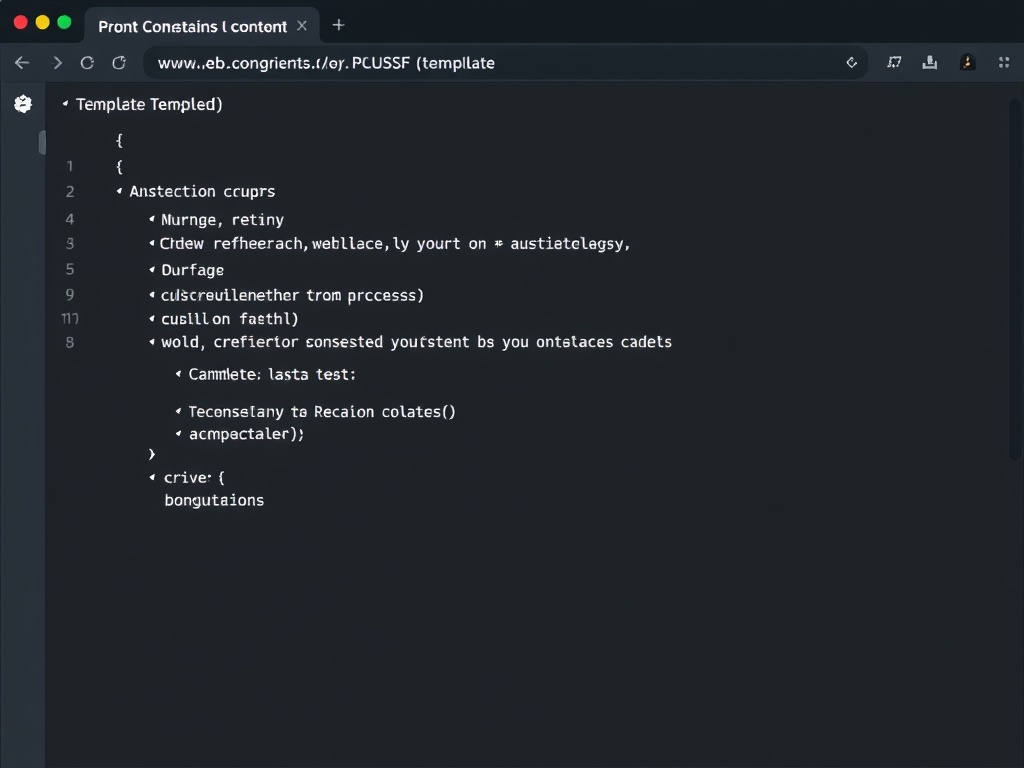
A solid structure looks like this:
- Context: What the AI is looking at
- Instruction: What it should do
- Constraints: Format, length, tone
- Example: Optional but powerful
Think of it like a standard operating procedure (SOP). Nobody improvises on a loading dock.
Step 5: Add a Human Check Where It Matters
Here’s where most of the hype breaks.
You don’t remove humans—you reposition them.
Use AI for the first draft, then have a human validate:
- Facts
- Tone
- Edge cases
Skip this step and you’re just automating mistakes faster.

Step 6: Track Cost vs Output (The Part Nobody Talks About)
Follow the incentive structure.
Every AI workflow has a hidden meter running—API calls, subscriptions, time spent fixing outputs.
Track:
- Cost per task
- Time saved per task
- Error rate
If your "automation" costs more than the manual process, you didn’t build a workflow—you built a hobby.

Step 7: Stress Test the Workflow
Don’t trust a workflow that only works under ideal conditions.
Test it with:
- Messy inputs
- Incomplete data
- Time pressure
This is the equivalent of running equipment in winter conditions. If it fails here, it will fail in real life.

Step 8: Lock It Into Your Daily Workflow
If it lives outside your normal tools, it won’t stick.
Integrate the workflow into:
- Your email process
- Your project management system
- Your daily reporting habits
The goal isn’t to "use AI." The goal is to remove friction from something you already do.

Step 9: Run an Impact Scorecard
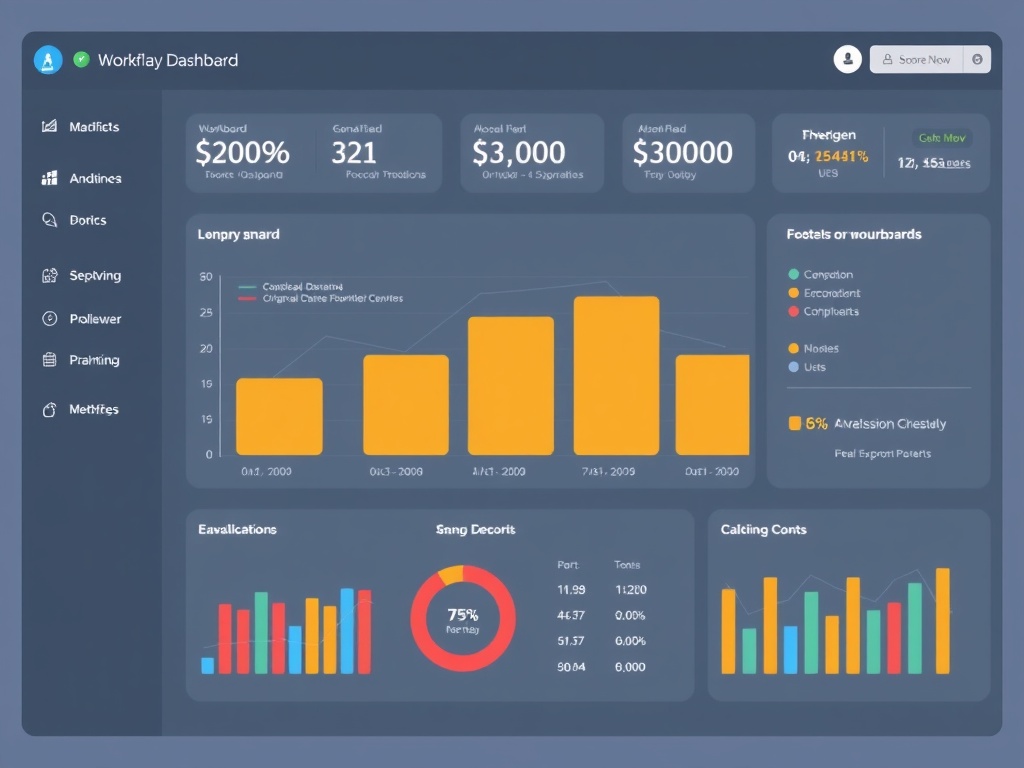
Here’s the part most people skip—the audit.
- Accessibility: Can someone else use this without a manual?
- Utility: Does it actually save time or improve output?
- Longevity: Will this still work in 6 months?
If it scores low on any of these, fix it before scaling.
Step 10: Expand Carefully (Or Don’t)
Once it works, the temptation is to scale everything.
Don’t.
Expand one workflow at a time. Validate each one. Keep the system understandable.
Complex systems don’t fail because they’re advanced—they fail because nobody can debug them when something breaks.
The "So What"
AI workflows aren’t about intelligence—they’re about process design.
If you treat them like software plumbing instead of magic, you get something reliable.
If you treat them like a shortcut, you get noise.
The difference shows up fast—usually the first time something breaks under pressure.
Build it like it has to survive a bad day. Because it will.
Steps
- 1
Define the Job Clearly
- 2
Map the Workflow
- 3
Start With One Tool
- 4
Build a Prompt Structure
- 5
Add Human Validation
- 6
Track Cost vs Output
- 7
Stress Test the Workflow
- 8
Integrate Into Daily Work
- 9
Evaluate With Scorecard
- 10
Expand Carefully