
AI Assistants at Work: Useful Tool or Expensive Middleman?

Let’s pull the thread on AI assistants in the workplace. Not the demo videos—the actual Tuesday morning version where someone in procurement is trying to reconcile invoices while Slack is lighting up and the Wi-Fi drops every 20 minutes.
The pitch is simple: AI assistants will “handle the busywork.” Draft emails, summarize meetings, automate workflows. On paper, that sounds like free productivity.
The reality? It depends on whether this thing is acting like a power tool—or just inserting itself as an expensive middleman between you and your actual work.

The Promise vs. The Plumbing
Most AI assistant demos are like showroom floors. Everything is clean, the inputs are perfect, and the outputs look like they were written by a corporate communications team on their best day.
Real work doesn’t look like that.
In the real world, inputs are messy. Half your data lives in legacy systems. The other half is locked in PDFs someone scanned in 2017. And the one API you need? It rate-limits you right when things get interesting.
This is where most AI assistants start to leak.
If the assistant can’t reliably access your systems—or worse, if it needs you to manually prep everything before it can help—you haven’t eliminated work. You’ve just moved it around.
Follow the incentive structure: most vendors are optimizing for adoption metrics, not long-term utility. That means smooth onboarding, flashy features, and just enough capability to justify the subscription.
But the real question is simpler: does this reduce the number of steps between problem and solution?
The Middleman Problem
Here’s the failure mode I keep seeing: the AI assistant becomes a translator that you have to manage.
Instead of writing an email, you prompt the assistant. Then you edit the output. Then you fact-check it. Then you rewrite parts because it sounds like a press release.
Congratulations—you’ve just added a layer.
This is the “middleman tax.” It shows up as:
- Extra review time
- Context correction (“No, not that client—the other one”)
- Output cleanup (removing generic fluff)
For junior work, this might still net positive. For experienced professionals? It often slows you down unless the assistant is tightly integrated into your workflow.
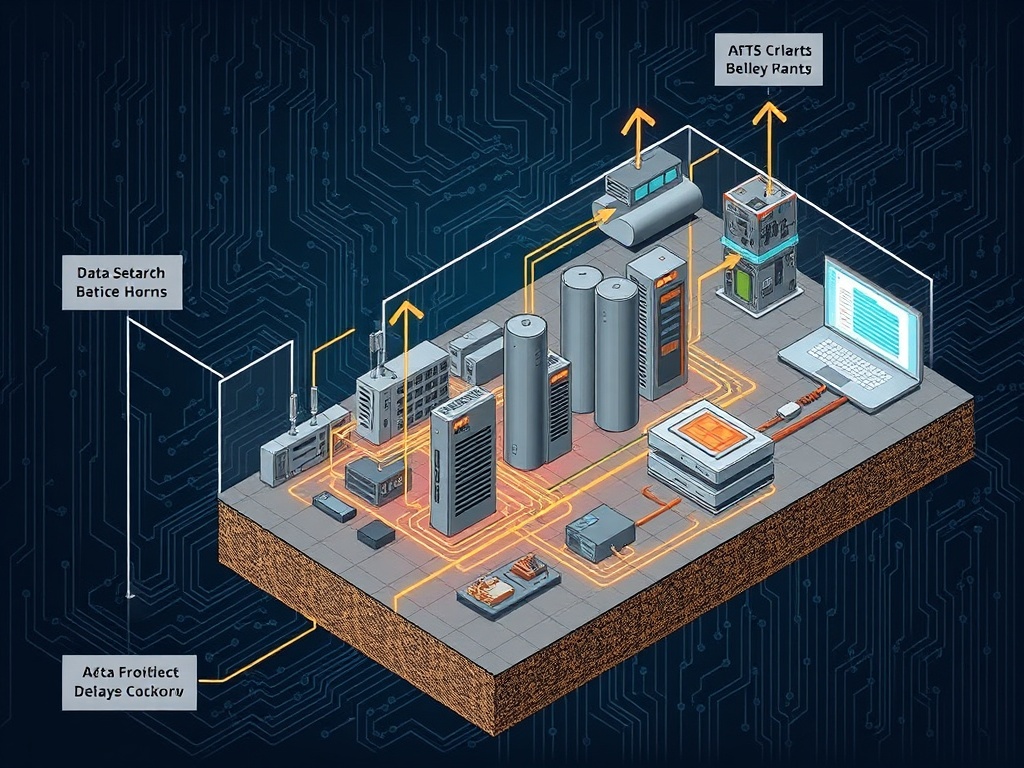
In logistics terms, it’s like adding a new sorting hub to a delivery route. If it’s well-placed, you gain efficiency. If not, you’ve just added delay and cost.

Where AI Assistants Actually Work
Now, let’s be fair. These tools aren’t useless—they just have a narrower lane than the marketing suggests.
They work best in three scenarios:
1. High-Volume, Low-Risk Output
Things like internal summaries, first-draft documentation, or templated responses.
If the cost of being slightly wrong is low, the speed advantage matters.
2. Structured Data Environments
If your data is clean, consistent, and accessible—think modern SaaS stacks—the assistant can actually move quickly.
This is rare in older organizations, but when it exists, the gains are real.
3. Workflow Compression
The best implementations remove entire steps. Not “help you write faster”—but eliminate the need to write at all.
Example: auto-generating reports directly from system data without human formatting in the loop.
Notice the pattern: the assistant works when it replaces a process, not when it sits on top of one.
The Cost Side Nobody Talks About
Let’s talk about the plumbing most people ignore: cost.
AI assistants aren’t free. Even when the subscription looks cheap, there are hidden layers:
- Token usage (especially for heavy workflows)
- Integration costs
- Training and onboarding time
- Ongoing supervision
If your team is spending 20% of their time babysitting the tool, your “efficiency gain” is already gone.
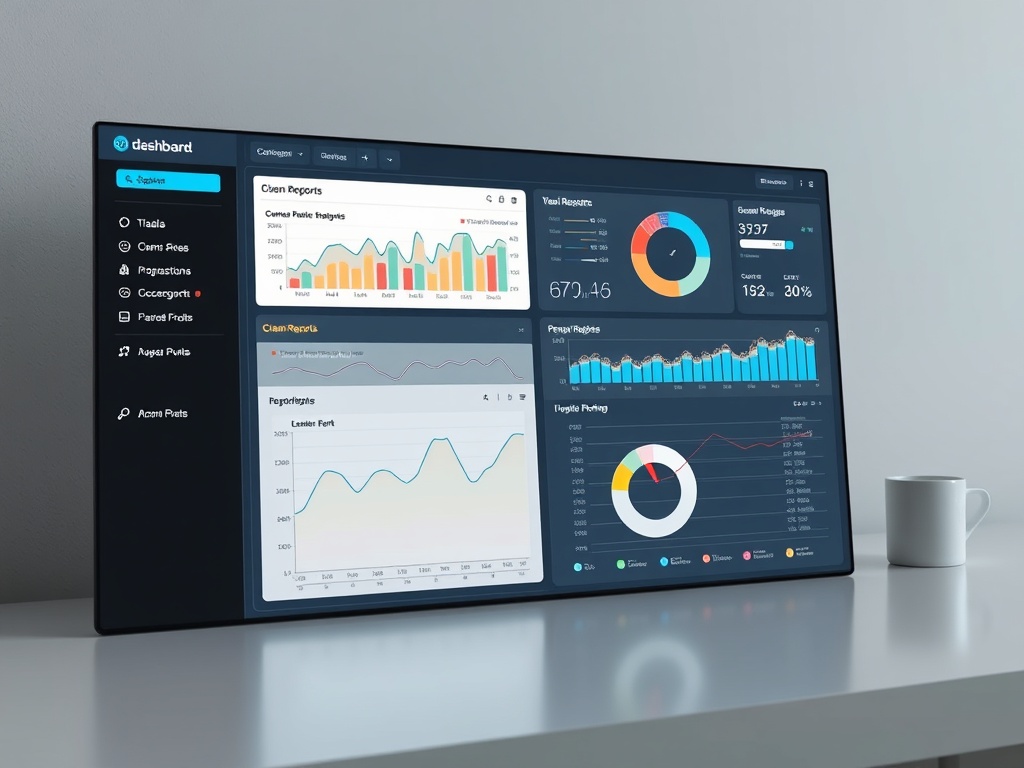
And here’s the kicker: most companies don’t measure this properly. They track adoption, not net productivity.
That’s like measuring how many forklifts you bought instead of how many pallets actually moved.

No-Hype Translation
What vendors say: “AI assistants automate knowledge work.”
Translation: They automate predictable slices of knowledge work—assuming your data is clean and your workflows are already well-defined.
If your operation is messy, the assistant doesn’t fix that. It inherits the mess—and sometimes amplifies it.
The Impact Scorecard
Let’s grade this like we would any piece of infrastructure.
- Accessibility: 6/10 — Easy to start, hard to integrate deeply
- Utility: 7/10 — Strong in narrow use cases, inconsistent elsewhere
- Longevity: 8/10 — Likely to improve as costs drop and integrations mature
Overall: useful tool—if you treat it like one.
So What?
If you’re a mid-career professional trying to stay relevant, here’s the practical takeaway:
- Don’t chase features—chase friction reduction
- Test assistants on one specific workflow, not your entire job
- Measure time saved, not tasks completed
- Be skeptical of anything that adds steps
The goal isn’t to “use AI.” The goal is to remove unnecessary work.
And if the assistant doesn’t do that? It’s just another subscription sitting on your expense report, quietly doing less than advertised.

That’s the filter. Not hype. Not demos. Just a simple question:
Does this make your Tuesday morning easier—or just more complicated?